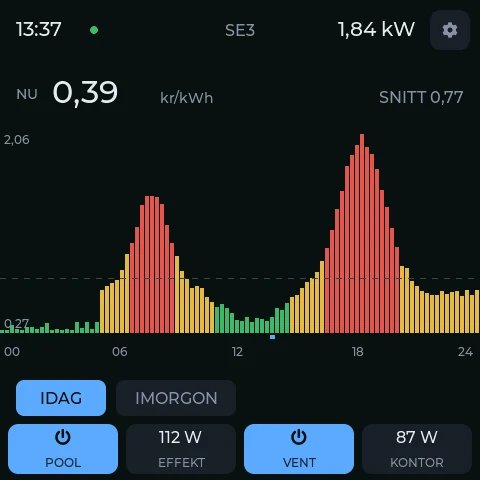
Touch-LCD-4B energy panel
An LVGL home-energy panel on a 480×480 RGB display with GT911 touch. Swipe between pages, toggle tiles, then enable audio and play a SID tune from the last page.
esp32sim is an instruction-level emulator for Espressif's ESP32-S3, C3 and C6, written in Rust. It boots the real mask ROM, the real bootloader and an unmodified application image — here in this tab, or on your command line as a hardware test bench that a coding agent can drive.
Every demo is a real firmware image booting through the real ROM inside this tab. Nothing runs on a server. The first load fetches the emulator (about 8 MB); firmware after that is small, except Linux's 16 MB flash.
An LVGL home-energy panel on a 480×480 RGB display with GT911 touch. Swipe between pages, toggle tiles, then enable audio and play a SID tune from the last page.
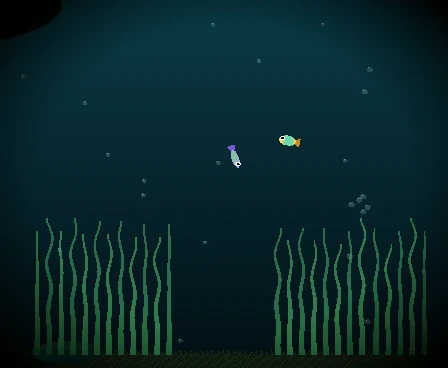
A 14.3M-parameter transformer decides what each fish does, running from flash on the S3's PIE vector unit while the other core draws the tank. Slower than real time in a browser.
Starting network (background): OK
Starting inetd: OK
Starting cron: OK

Welcome to Buildroot
buildroot login: root
Password:
# uname -a
Linux buildroot 6.11.0 #1 PREEMPT xtensa GNU/Linux
# █
Linux-on-esp32-S3: the network adapter on core 0, Linux executing in place from flash on core 1. Log in as root, run top, edit in vi, start MicroPython.
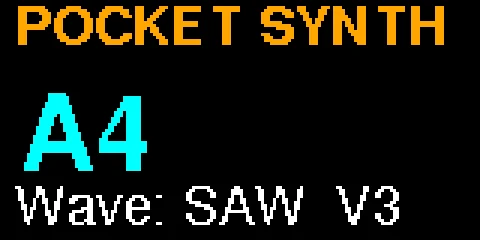
Arduino firmware with an ST7735 display, a WS2812 ring, an encoder and buttons. Turn the knob, press the buttons, hear the SID voice. The jukebox variant plays real C64 tunes.
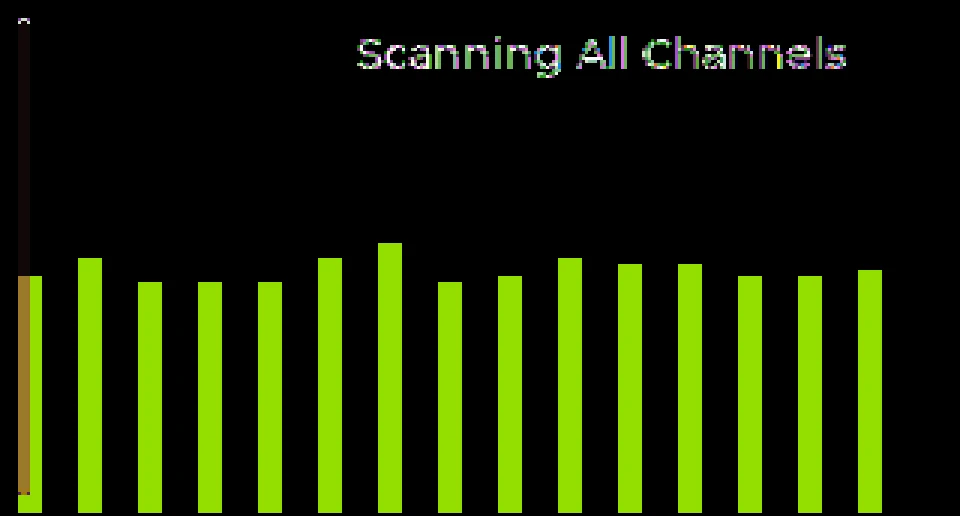
[I] RPL: created DAG with instance ID 0, DAG ID fd00::ff:fe00:1, rank 128
[I] RPL: sending a multicast-DIO with rank 128 to ff02::1a
[I] RPL: received a unicast-DIO from fe80::ff:fe00:2, instance_id 0 …
Two emulated C6 motes on one 802.15.4 medium: Contiki-NG's rpl-udp server as the DAG root and a client that joins, then sends a UDP request every 10 s and gets a reply. Hardware ACKs included.
Agents write embedded code well and test it badly: a board on a desk cannot be scripted, read back or reset from a shell. esp32sim can. It is the same emulator as the demos above, as a command-line tool any agent with shell access already knows how to use.
# build as always
$ idf.py build

# run it 8 emulated seconds with a script of touches, keep the display
$ esp32sim --board waveshare-lcd4b --boot rom \
    --bootloader build/bootloader/bootloader.bin \
    --ptable build/partition_table/partition-table.bin \
    --app build/app.bin --elf build/app.elf \
    --script test/swipe.txt --max-seconds 8 \
    --tft-png panel.png --vcd gpio.vcd --coverage-file cov.txt

# test/swipe.txt — one action per line, at emulated seconds
3.0  touch 450 240 1      # press near the right edge
3.1  touch 300 240 1      # drag left …
3.2  touch 100 240 1
3.3  touch 100 240 0      # release: the panel swipes to its next page
8.0  stop

# what the agent reads back (this run, verbatim)
I (725) main: up
[emu] stop: Halted — core0 231572900 + core1 66167543 insns in 3.0s wall
      = 100.5 Minsn/s; emulated 8.000s (1920000000 cycles)
[emu] wrote panel.png        # the second page, as the firmware drew it
Point an agent at docs/cli.md and a board name. Runs are single-process with no daemon and no device, so they parallelise like unit tests, and --no-jit is the oracle when a result looks wrong.
Three SoCs across both of Espressif's CPU architectures. Most of the SoC model is shared; only the CPU crates are separate. The numbers are from the README and its tests.
Choose the chip and board, pick your bootloader, partition table and app (or a whole flash image), add ELF symbols and a script if you like, and boot. Files stay in the browser; nothing is uploaded.